1. Log into your SiteWorx account. (e.g. www.example.com:2443/siteworx/ )
2. Under SiteWorx Menu, click on the File Manager option. 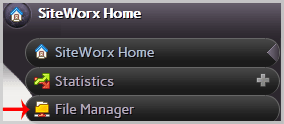
3. Navigate to the directory where your file is located. 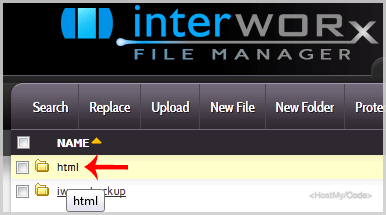
4. Click on the file you want to edit, and it will open in edit mode.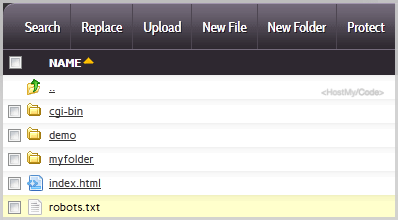
5. Make changes to your file and then click on the Save button. 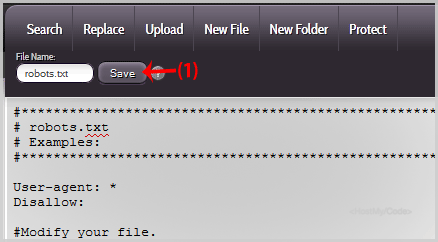
Cele mai populare articole
How to Reset my InterWorx (SiteWorx) Account Password?
After you access your SiteWorx account, follow these steps to reset your password:1. Log into...
How to update your SiteWorx Email Address?
If you want to change your SiteWorx email address, then follow these steps.1. Log into your...
Change Language of your SiteWorx Account?
SiteWorx supports a lot of languages, and if you want to change your SiteWorx language to your...
How to Access AWStats in SiteWorx?
1. Log into your SiteWorx account. (e.g. www.example.com:2443/siteworx/ )2. Under SiteWorx Menu,...
How to Access Webalizer in SiteWorx?
1. Log into your SiteWorx account. (e.g. www.example.com:2443/siteworx/ )2. Under SiteWorx Menu,...