1. Log into your cPanel account.
2. In the Files section, click on Backup Wizard Icon.

3. Under Backup/Restore text, click on the Restore button. 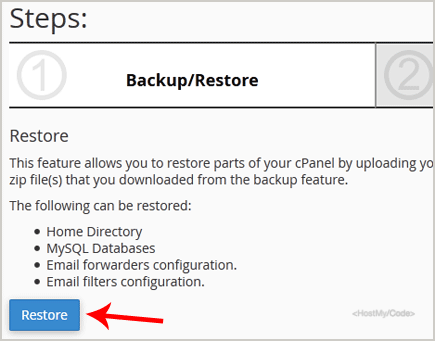
4. Under Select Restore Type, choose the appropriate option.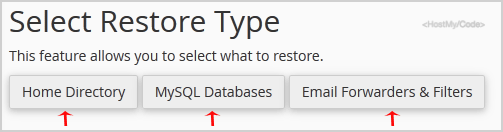
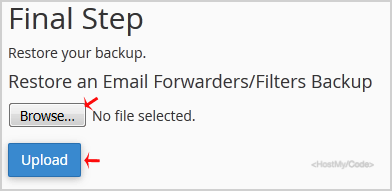
5. Click on Browse, select your backup file from your PC, and click on the Upload button.